IPTV Channel List: 8 Essential Checks for Better Choices
By POD IPTV · Updated 10 October 2026 · 8-minute read
An IPTV channel list is useful only if it helps you confirm the programmes you actually want. A large total does not tell you whether a particular regional feed, language, replay feature or live event is available. Use these eight checks to evaluate a line-up on your own device, build a manageable favourites list and ask precise questions before choosing a UK service.
1. Write down exact priorities before opening the IPTV channel list
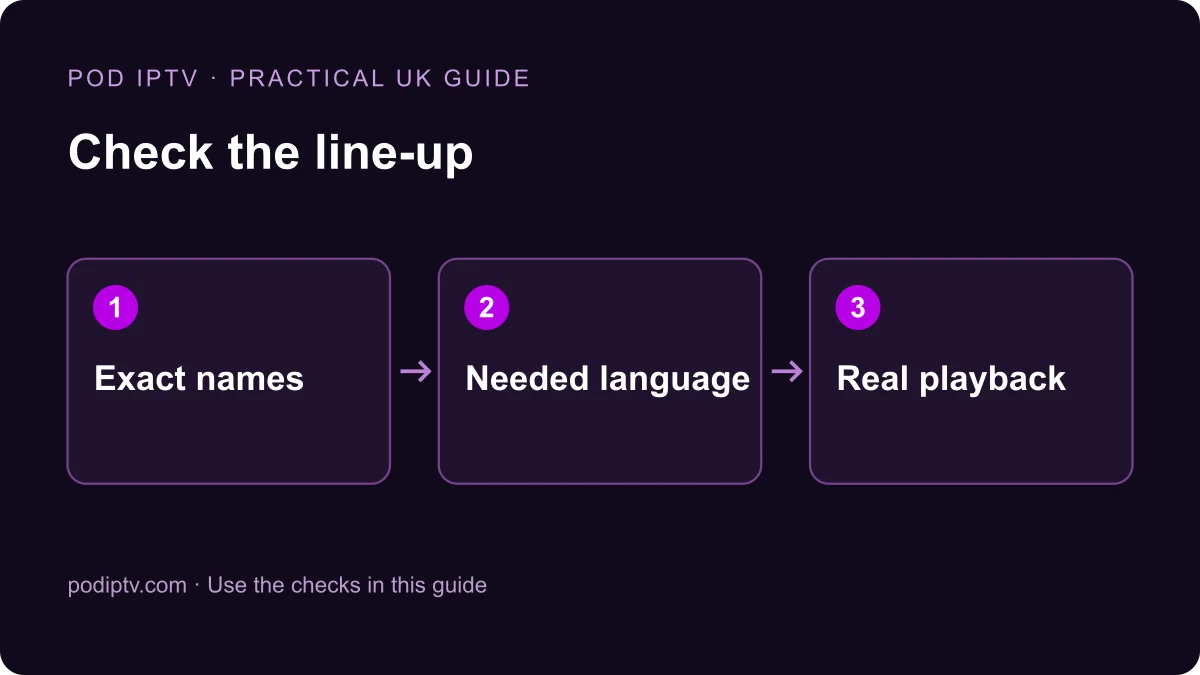
Start with a small list of genuine requirements. Include regular news, specific series, languages and any accessibility features you rely on. Distinguish a channel name from a programme: the same programme may move between services or appear through separate on-demand arrangements.
Mark each requirement as essential or optional. This avoids being distracted by hundreds of unfamiliar entries while the few programmes you need remain unconfirmed. A service can have a large catalogue and still be a poor match for your routine.
For a household, ask each regular viewer for their priorities. A single person's favourite categories should not stand in for everyone else's needs. Keep the requirements concrete enough that you can test them during an evaluation period.
2. Confirm names, variants and regions
An IPTV channel list may contain similar names, alternate feeds or regional versions. Ask which version is supplied and whether it matches what you intend to watch. A familiar name with an unfamiliar schedule can be a different feed rather than an app error.
For regional news, confirm the actual coverage and programme times. For international viewing, check the language and source rather than assuming a country category contains every channel from that country. Availability should be established for the exact item.
Do not infer content rights from a logo or working stream. A line-up is information about what a service presents; it is not proof that distribution is authorised. Ask relevant questions about the source and use authorised content.
3. Separate live playback, guide information and replay
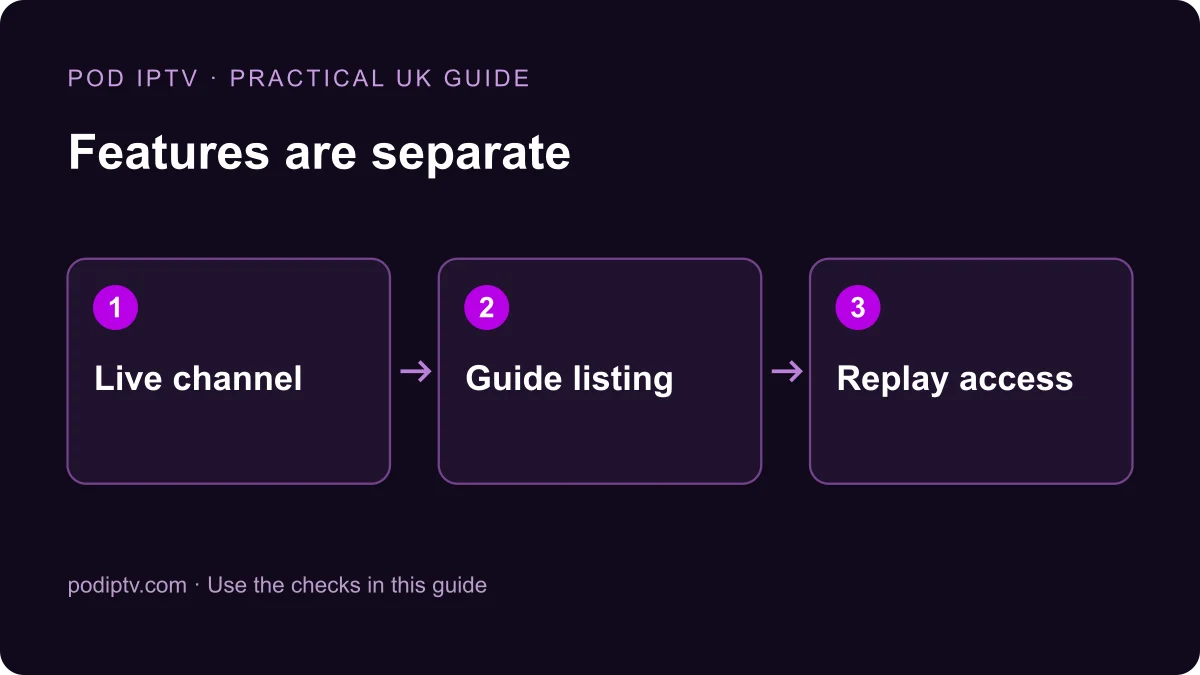
A channel can play while its guide is empty. A guide can display programme names while playback is temporarily unavailable. Catch-up is another feature again, requiring a replay source and compatible controls. Test each requirement independently.
If a programme guide is essential, inspect current and upcoming entries on the channels you normally use. Do not judge the entire service from a guide entry on one unfamiliar source. If information is missing, record the channel and time for support.
When evaluating an IPTV channel list, never treat a replay icon or schedule entry as proof that every earlier programme can be opened. Test a specific available replay and ask about the archive window. Some channels may support a feature while others do not.
4. Test required items instead of scrolling totals
Open a few essential channels and let them play during your normal viewing time. Change to another item and return. Check whether the player locates the source reliably and whether navigation is comfortable with the actual remote.
A short startup test is useful but limited. A programme that opens for a few seconds can still experience interruptions later. Evaluate a representative session, including ordinary household internet use, rather than assuming instant loading guarantees long-term behaviour.
If one item fails, try another source on the same device. Record the exact name and circumstances. That comparison distinguishes a source-specific issue from a broader account or connection problem.
5. Check languages, subtitles and audio options
A language category does not guarantee every programme has selectable audio or captions. Some sources contain a single audio track; others may provide several. Open the actual playback controls and check what is available for the items that matter.
Subtitles depend on both the source and the player's support. A device caption preference cannot create a track that is absent. If accessibility is essential, include it in the IPTV channel list evaluation before choosing a paid term.
For Apple software, Apple's audio and subtitle controls guidance explains where available options can be selected in its TV app. Third-party players may use different menus, so follow their own instructions.
6. Check live-event availability carefully
Events can have rights, schedules and geographic conditions separate from a general channel category. Ask about the specific event through an authorised source. Avoid interpreting a sports category as a promise of every game or of unrestricted access everywhere.
Confirm the date, competition and required coverage rather than only a team name. Time zones can also cause confusion. A guide may use another time setting, or an event may appear under a different programme description.
A successful previous event does not establish future availability. Check current information and maintain an appropriate authorised alternative for an important programme. Do not rely on claims of no restrictions without a clear basis.
7. Organise the IPTV channel list for everyday use
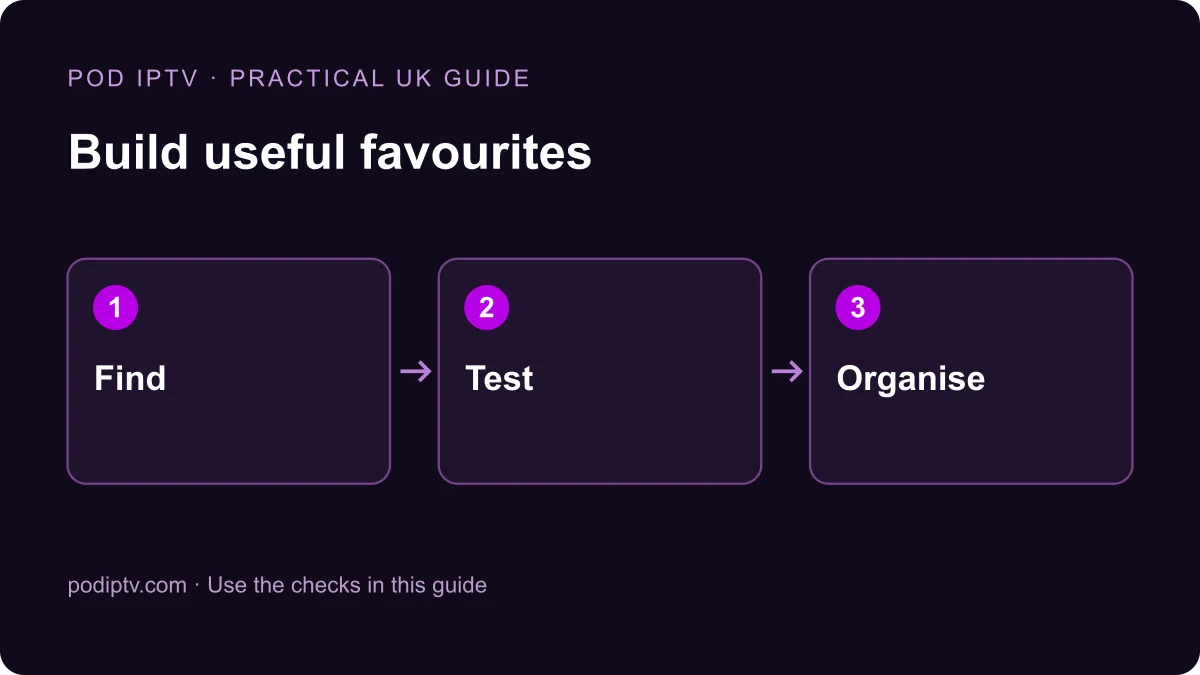
Once required items are confirmed, create a small favourites group. Add only channels you actually use, then check that the list remains convenient after refreshing account data. Some players maintain local favourites differently from imported categories.
Use clear names and ordering where the player permits it. Keep the most-used items near the top and remove duplicates from your personal favourites rather than repeatedly searching a huge category. A well-organised small list can make daily use much simpler.
For families, check whether hidden or restricted categories remain accessible through search, another profile or another app. Organising an IPTV channel list is not the same as setting parental controls. Apply the appropriate protections separately.
8. Ask for current information and record unanswered questions
Use the provider's verified contact route to ask about exact names, variants and required features. If a line-up image is old, ask whether it still reflects the current offer. Do not rely on screenshots shared by another viewer with a different account.
For POD IPTV, use the contact page for availability questions and the 24-hour trial request to evaluate a confirmed account on your own screen. Activation and trial timing should be confirmed with support.
Keep unconfirmed items marked as unconfirmed. A useful IPTV channel list comparison is honest about gaps in information. It should not turn a general sales description into a factual promise about every programme.
A line-up worksheet you can use during testing
Record the feature, not just the name
Requirement
Check
Record
Exact channel
Correct feed and region
Name shown in player
Live programme
Playback during normal viewing
Time and outcome
Guide
Current and next programme
Missing or incorrect information
Replay
Specific earlier item opens
Available window and controls
Accessibility
Required captions or audio
Track and usability
Why an impressive total can be a poor comparison
Totals may count alternate feeds, different categories or entries you never watch. Without a definition, two numbers can represent different things. Ask what is counted rather than assuming the larger total describes more useful choice.
Some items may be temporarily unavailable or duplicated in several groups. That does not automatically determine the quality of the whole service, but it explains why testing priorities is better than relying on a total alone. Your personal requirements provide a clearer comparison.
An IPTV channel list also says little about the remote, search performance or readability. Those are player and device questions. A catalogue that looks attractive on a website may be awkward to navigate on the television you own.
A household example: fewer priorities, better evidence
A household identifies eight essential items: a regional news source, regular entertainment, a language option and several accessible programmes. It checks the exact names with support, then tests those items on the living-room television. It records guide and caption results separately from playback.
One channel plays but has no guide information. Another has a guide but the required caption track is absent. The household now has precise questions rather than a vague complaint about the entire line-up. It can decide whether those limitations affect its actual needs.
After confirming useful items, it creates favourites and lets each regular viewer try the remote. The final decision is based on what works in daily use. A larger untested IPTV channel list would not provide stronger evidence.
Keep the evaluation fair when comparing services
Use the same requirements and similar viewing conditions for each service. Do not test one at quiet midday and another during a busy evening, then attribute every difference to the provider. Record differences in device, network and account allowance.
Check the full current plan amount and duration alongside the line-up. Price is a separate factor; a cheap plan does not compensate for missing essentials, and a higher price does not prove that every item is included.
Keep service claims distinct from your observations. “This programme played during my test” is supportable evidence. “It will always work” is a prediction. A responsible IPTV channel list review should preserve that distinction.
IPTV channel list questions
Does an IPTV channel list guarantee every item?
No. Confirm the current offer, exact source and required features. Availability can change, and a category label is not a programme-specific promise.
Can I ask for an IPTV channel list before buying?
Ask through the verified contact route. Explain which exact names and features matter so the answer is useful.
Why do similar names appear in an IPTV channel list?
They may be alternate feeds, regional versions or duplicates. Test the appropriate source rather than choosing by name alone.
Does an IPTV channel list include catch-up automatically?
No. Live playback, guide information and replay access are separate features. Test each one you need.
How should I organise an IPTV channel list?
Create a small favourites group after confirming essentials. Check its behaviour after refresh and apply parental restrictions separately.