IPTV Data Usage: 4 Simple Calculations for Better Planning
By POD IPTV · Updated 10 October 2026 · 8-minute read
IPTV data usage matters when you watch through mobile data, a capped broadband package or a portable hotspot. Your connection speed tells you how quickly data can arrive; your allowance tells you how much you can use. This guide shows how to estimate a viewing budget, check it against real measurements and avoid confusing a faster connection with a larger allowance.
A stream transfers video, sound and other information over the internet. Its average bitrate, viewing time and number of active streams largely determine the amount transferred. Programme menus, artwork, guide updates and app activity can add smaller amounts. Adaptive streaming may change its rate during a session, so a single fixed estimate is only a planning tool.
A subscription duration does not determine the amount of internet data used. Paying for twelve months does not include twelve months of mobile data from your network operator. The service plan and the internet allowance are separate costs supplied under separate terms.
It is also important to separate bitrate from broadband speed. A connection measured at 100 Mbps does not mean the programme constantly uses 100 Mbps. The player typically receives what the stream requires, with transfers arriving in bursts and sometimes filling a buffer ahead of playback.
Calculation 1: estimate IPTV data usage per hour
For a stream with a known average bitrate, a useful decimal estimate is: gigabytes per hour = megabits per second × 0.45. The conversion comes from dividing bits by eight to obtain bytes, multiplying by 3,600 seconds and converting megabytes to decimal gigabytes. It is arithmetic, not a promise about a particular channel.
For example, a hypothetical stream averaging 5 Mbps transfers approximately 2.25 GB in one hour before allowing for other traffic and overhead. The values below are illustrative bitrates. They are not recommended minimum speeds and are not labels for any particular picture format.
Illustrative IPTV data usage at constant average bitrates
Average stream bitrate
One hour
Two hours
Thirty hours
2 Mbps
0.9 GB
1.8 GB
27 GB
5 Mbps
2.25 GB
4.5 GB
67.5 GB
8 Mbps
3.6 GB
7.2 GB
108 GB
12 Mbps
5.4 GB
10.8 GB
162 GB
Your device or network operator may display binary units or round totals differently. That difference, background activity and changing stream rates can make measured usage differ from this table. Treat the estimate as a starting point and confirm it with your provider's own usage counter.
Calculation 2: turn viewing hours into a monthly budget
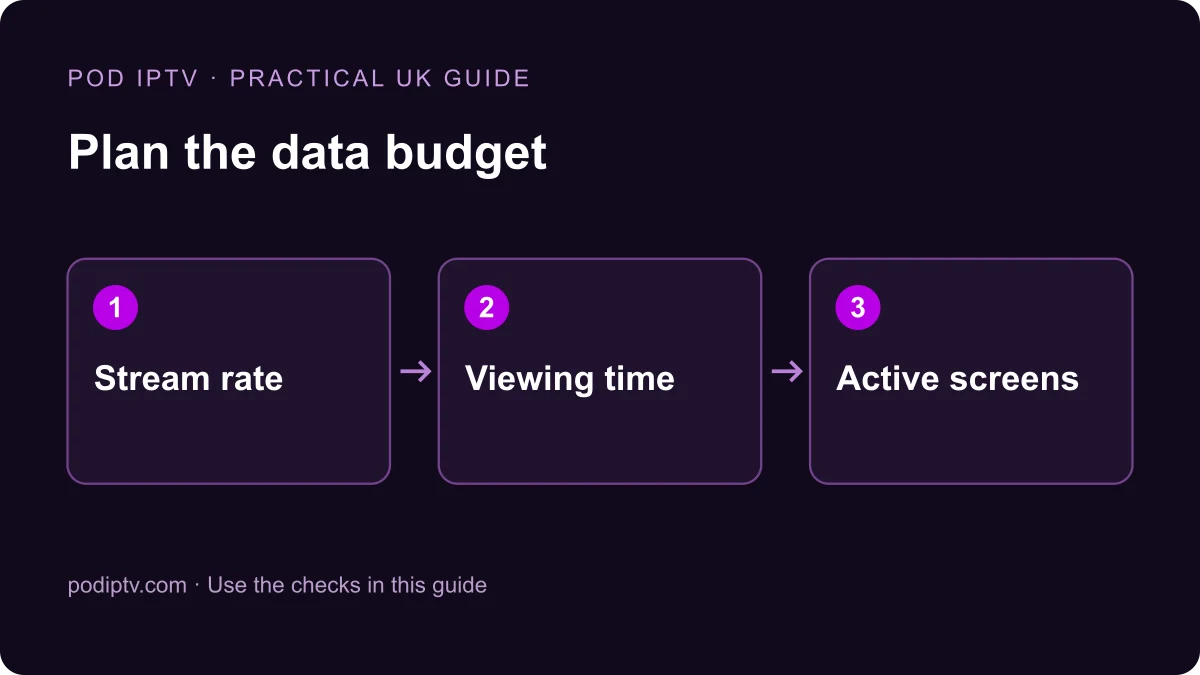
Multiply your estimated hourly amount by the number of hours you expect to watch. At the hypothetical 5 Mbps average, ninety hours would be about 202.5 GB. Ninety hours might represent three hours a day over thirty days, but your own pattern could be very different.
Write down an ordinary week rather than guessing from your busiest evening. Include longer weekend sessions, films and any television left playing in the background. Multiply that weekly total by the relevant billing period, then leave space for other internet use.
For a capped connection, compare the resulting amount with the remaining allowance, not the original headline allowance. Other household traffic may already have consumed part of it. Do not plan to use every final gigabyte: a variable bitrate and additional traffic make an exact limit unsafe as a budget.
Calculation 3: include simultaneous screens
IPTV data usage increases when additional streams run concurrently. Two streams with the same average bitrate for the same duration use approximately twice the video data of one. Different programmes or devices may use different rates, so calculate each separately if you have measurements.
For example, one hypothetical 5 Mbps stream and one 2 Mbps stream running for an hour would total approximately 3.15 GB. That is 2.25 GB plus 0.9 GB. It is a household planning example, not a statement that every device will use those amounts.
Data allowances and account connection allowances are separate again. Having enough internet data does not authorise extra simultaneous streams. Check the POD IPTV device-plan options and close unused players when comparing devices.
Calculation 4: measure IPTV data usage on your own connection
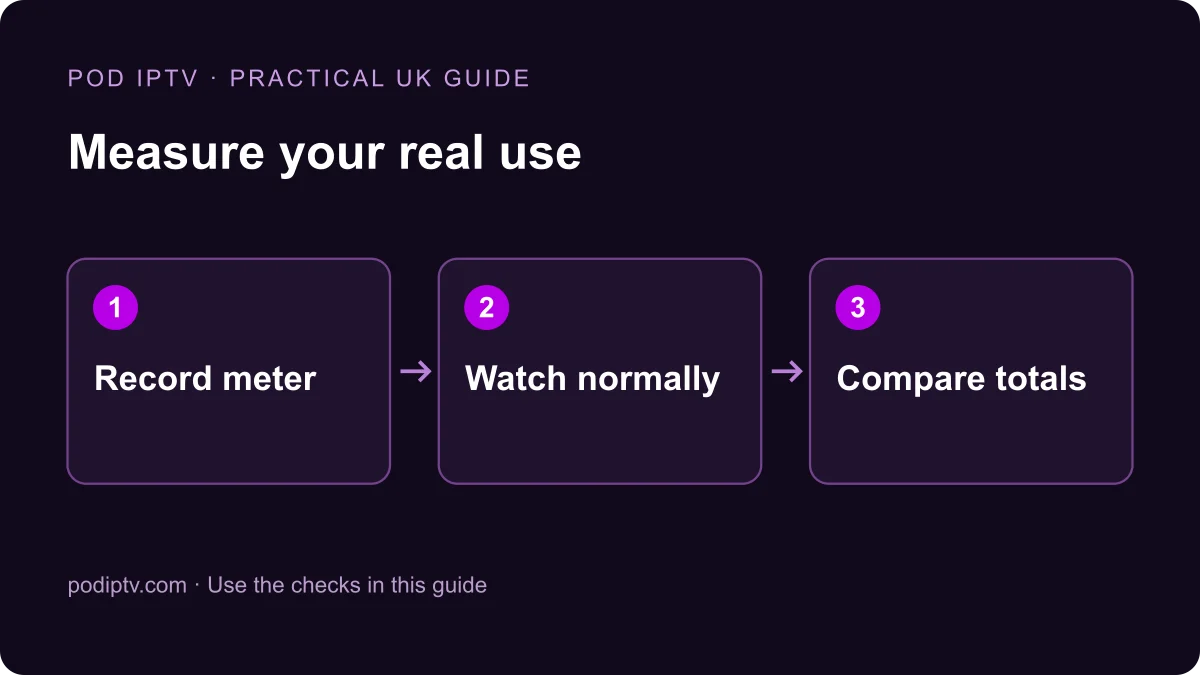
Start with the usage counter on the device, router or network account that actually measures your connection. Note the total and time before viewing. Close unrelated transfers where practical, play a representative programme for a fixed period, then record the new total. Subtract the starting amount from the ending amount.
A fifteen-minute session can provide an initial estimate: multiply its measured amount by four to approximate an hour. A longer representative session is usually a better budget sample because startup transfers can make a short measurement unrepresentative. Repeat on another day to see whether the amount changes substantially.
Google's Pixel mobile-data guidance describes app-level counters and data warnings. Menu names vary across Android devices, and the network operator's billing total can differ from the phone's estimate. Check the billing-period dates before comparing them.
Make a useful IPTV data usage record
A simple viewing measurement sheet
Record
Why it matters
Example entry
Connection type
Identifies which allowance applies
Mobile hotspot or home broadband
Start and end time
Defines the measured duration
A continuous thirty-minute test
Counter difference
Shows the transferred amount
Your actual measured GB
Other active traffic
Explains possible extra usage
A laptop backup running at the same time
Programme and player
Makes a later comparison meaningful
The same programme in the same app
If a router counter includes every device, it measures household usage rather than the television alone. It can still help with budgeting, but do not attribute a large download on another computer to the stream. App counters may also count guide downloads and menus alongside playback.
With a phone hotspot, review both the phone's own app traffic and any tethering category available. The IPTV player on a connected television may not appear under the phone's player-app total. The operator's usage statement is the relevant source for charging.
Monitor IPTV data usage to avoid unexpected charges
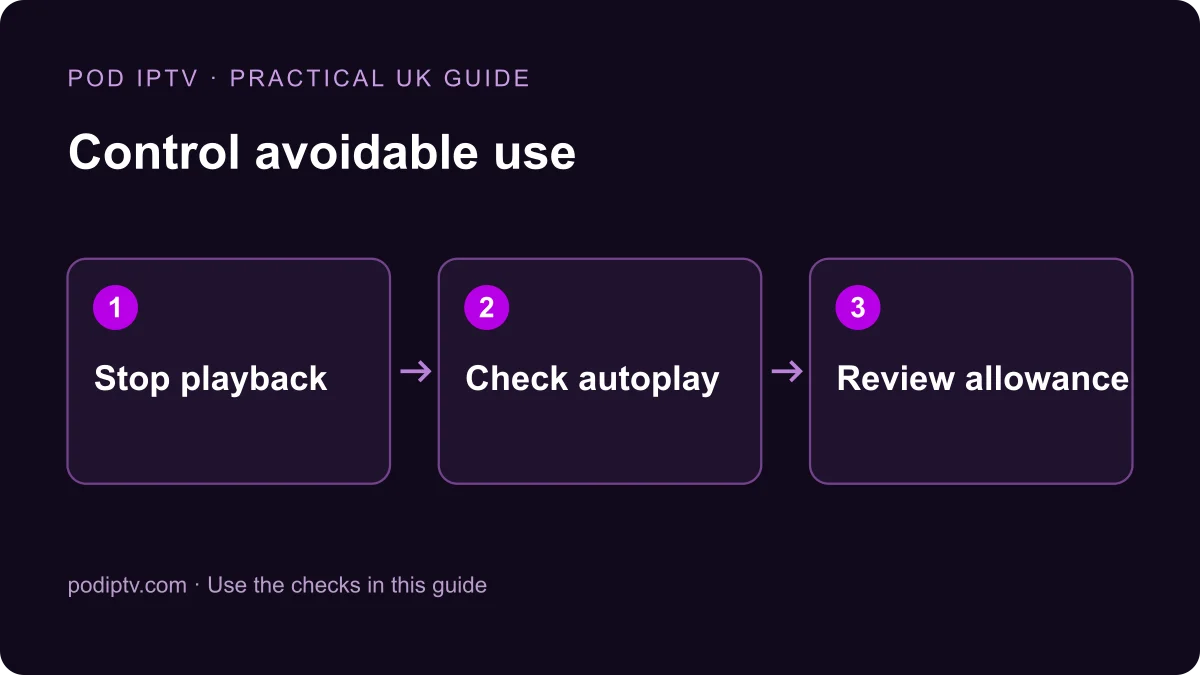
Check what happens when your allowance runs out. Your operator may stop data, reduce service, offer an extra package or apply charges under your plan. Do not assume the same behaviour across networks. Roaming rules can differ from domestic rules, especially outside the destinations included in your package.
Where supported, set a data warning below the allowance and a sensible limit after checking its effect. A limit that stops internet access can interrupt playback, which is preferable to an unexpected bill for some users but should be understood in advance.
Review autoplay and background viewing habits. A television left running may continue transferring a stream even when nobody is watching. Pausing can still allow some players to fill a buffer. Stop playback and close the session when you have finished, then check the counter if your allowance is tight.
Do download, catch-up and live playback use the same amount?
Each mode transfers data, but the rate and total can vary by implementation and content. A replay is not automatically a low-data version of live television. A download may arrive quickly while its total remains tied to the size of the file, and many IPTV players do not provide an authorised offline-download feature.
Do not assume recording reduces IPTV data usage. An internet stream still needs to arrive while it is recorded, and cloud recording may behave differently from recording on your own device. Check the actual supported feature and your rights to use it before planning around it.
If the player offers a legitimate lower-data option, test its measured usage and whether its viewing result suits you. The available choices depend on the service and app. There is no universal setting that every compatible device exposes.
Use your trial to check the real budget
During a POD IPTV 24-hour trial request, test the device and programmes you expect to use. A representative counter measurement is more useful than a generic claim about hourly consumption. Start with a short mobile-data test if your allowance is small, then decide whether longer measurement is affordable.
Use the installation guides to set up a supported player. If your usage seems unusually high, send your measurement method and device details to support. Do not send account passwords or public playlist URLs.
IPTV data usage questions
How much IPTV data usage should I expect per hour?
It depends on the average stream bitrate and additional app traffic. Multiply a known average Mbps by 0.45 for an approximate decimal GB per hour, then confirm with a representative measurement.
Does faster broadband use more data automatically?
No. The connection's capacity and the amount transferred are different. A player may choose a different stream where adaptive options exist, but a faster package alone does not establish the viewing total.
Can I watch using a mobile hotspot?
Check coverage, operator terms, tethering rules and your remaining allowance. Test briefly on the actual device and avoid assuming an unlimited home package means your mobile plan is unlimited too.
Does IPTV Wi-Fi use mobile data?
It depends on what supplies the Wi-Fi. A home router usually uses its broadband connection; a phone hotspot uses the phone's mobile connection. Identify the internet source rather than relying on the wireless symbol.
Are the calculations exact bills?
No. They are planning estimates using decimal units. Your operator's counters, billing rules, actual stream behaviour and other traffic determine the billed usage.