IPTV Account Security: 9 Essential Checks for Safer Access
By POD IPTV · Updated 10 October 2026 · 8-minute read
IPTV account security starts with treating your login and complete playlist URL as private access information. Sharing a screenshot can expose more than you intended, especially when a link contains a username or password. This guide explains nine practical checks for UK viewers, from trusted software and support routes to what to do if credentials have already been exposed.
An account may use a server address with separate credentials, a complete playlist link or another supported format. A full link can include credentials inside its path or query string. Someone does not need to see a field labelled password for the information to be sensitive.
Device identifiers and app activation keys can also deserve protection, even when they are not service passwords. Consider where the information will appear before posting a screenshot. Public comments, shared folders and forum attachments can remain visible long after your immediate problem is solved.
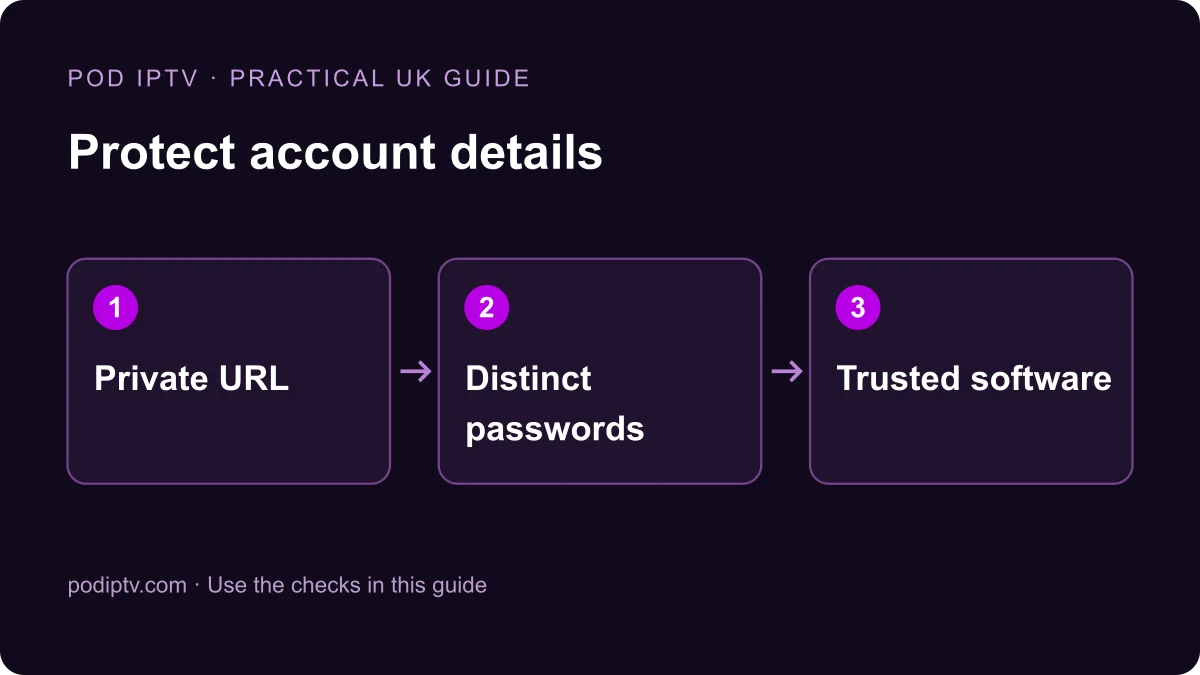
The POD IPTV installation guides explain supported account formats. Use the exact information supplied privately for your account and avoid borrowing a login from a public discussion.
Check 1: protect IPTV account security in screenshots
Before sharing a screenshot, hide complete playlist links, usernames, passwords, activation keys and personal contact details. Check the address bar, dropdown menus and background windows too. A neatly cropped error message is useful only if the crop actually removes access information.
Do not paste a complete credential-bearing link into a public URL checker or link-shortening service. That sends the information to another recipient. If support needs to investigate a supplied address, use the verified private support route and disclose only what is necessary.
Saving a screenshot locally is different from uploading it to a forum or shared cloud folder. Review the destination and permissions before sharing. Once a secret is public, removing the post may not remove copies already taken.
Check 2: use distinct passwords where you control them
For accounts where you can choose a password, use a strong distinct one rather than reusing the password for your email or another service. The UK's NCSC explains suitable memorable passwords in its three random words guidance. A reputable password manager can help maintain distinct credentials.
Some service credentials are supplied rather than chosen by you. Keep those private and ask the provider about replacement if they are exposed. Do not assume the player can change a password stored on the service's system simply by editing a local field.
A player PIN is also different from the service password. It may protect local settings or categories without changing access from another device. Know which control you are changing before assuming it solves an account exposure.
Check 3: protect email for IPTV account security
Your email may receive login details and support conversations. Protect it with a distinct password and two-step verification where offered. The NCSC's two-step verification guidance explains the extra protection provided by a second sign-in step.
This does not mean every IPTV account offers two-step verification. Enable it on the services that actually support it, especially the mailbox used for recovery. Store recovery information privately and follow the email provider's current instructions.
Do not forward a whole account email to a public discussion merely to show an error. It may contain working credentials, private order details and information useful for impersonation. Copy the non-sensitive error wording instead.
Check 4: check player software for IPTV account security
Install a player from its official store listing or verified developer route. Check the developer name and supported platform. A familiar app name in an unrelated download page is not proof that the package is genuine.
Review requested permissions in context. A player may need network or supported storage access, but unexpected requests deserve investigation before approval. Avoid granting remote-control access or disabling device protections simply because a stranger says it is required for playback.
Keep supported software current and remove old players you no longer need. Before removal, understand whether the app stores credentials or local configuration you should clear through its normal controls. Do not erase a working setup without privately retaining the details needed to restore it.
Check 5: verify support for IPTV account security
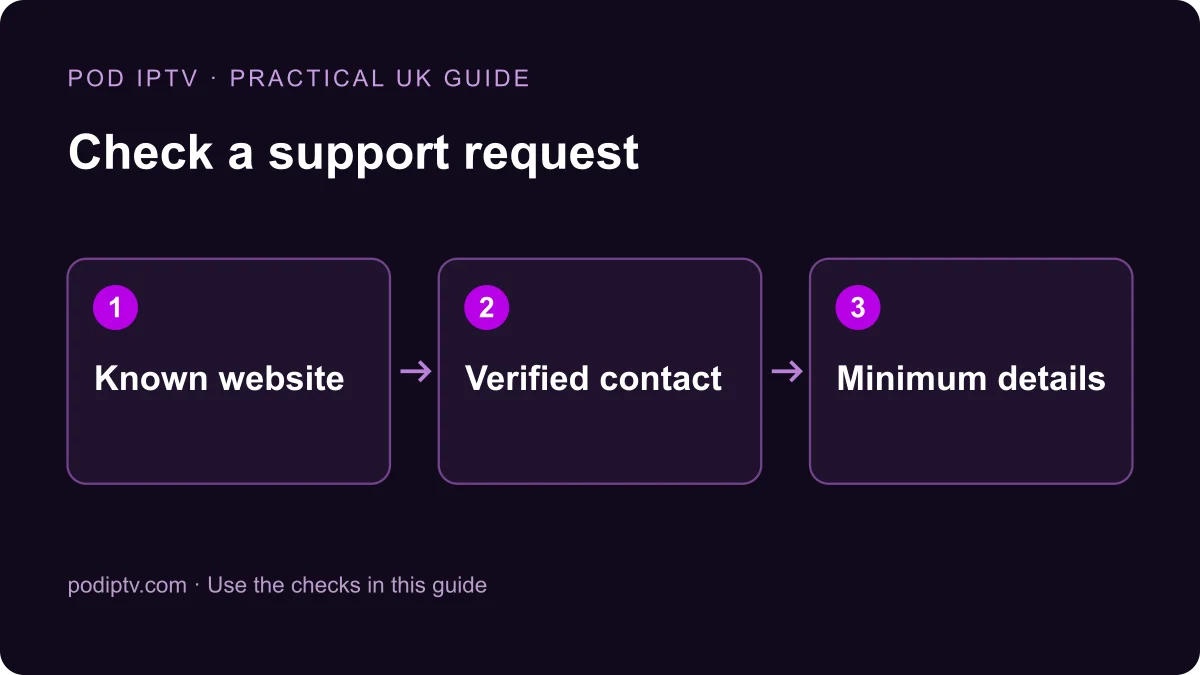
For POD IPTV, begin from the website's Contact Us page rather than an unsolicited message. Check the domain carefully. A display name, profile picture or logo can be copied, so it should not be the only evidence that you are speaking to the right recipient.
Be wary of urgent messages demanding a complete login, payment through a new destination or installation of remote-access software. Stop and confirm through the known website before proceeding. Legitimate troubleshooting can often begin with device, app and error details rather than your password.
If a contact route changes, verify the change independently on the current site. Do not follow a replacement number or link solely because it appears in a forwarded screenshot.
Check 6: review IPTV account security on old devices
A saved login on a sold television or shared tablet can remain an access route. Use supported logout and app-data removal before transferring the device. Review the device manufacturer's own account-removal instructions as well, especially if it contains a personal app-store account.
Do not assume closing the app signs out. Some players retain credentials between sessions. Check the account screen and understand whether an available logout option removes the stored login or merely closes the current session.
IPTV account security also benefits from keeping a private list of the devices you intentionally use. If unfamiliar access is suspected, that list helps distinguish your own older installation from a genuinely unexplained session.
Check 7: protect IPTV account security in backups
Player backups can contain account addresses, credentials, preferences or activation details. Keep them in a private location with appropriate access controls. Do not assume an export is harmless because its file name says settings rather than password.
Before sending a diagnostic file, ask what it contains and whether a simpler description will do. Avoid uploading the entire app folder to a public file-sharing service. If the developer provides a supported sanitised diagnostic export, check its documentation and destination.
Information to keep private when seeking help
Item
Why it matters
Safer first description
Complete playlist URL
May contain usable credentials
State the account format and visible error
Username and password
Can grant account access
Describe which login stage fails
Player backup
May store access information
Send device, app version and settings names
Order email
Contains personal and account details
Use the verified private support route
Activation key
May relate to a paid app licence
Identify the app without publishing its key
Check 8: restore IPTV account security after exposure
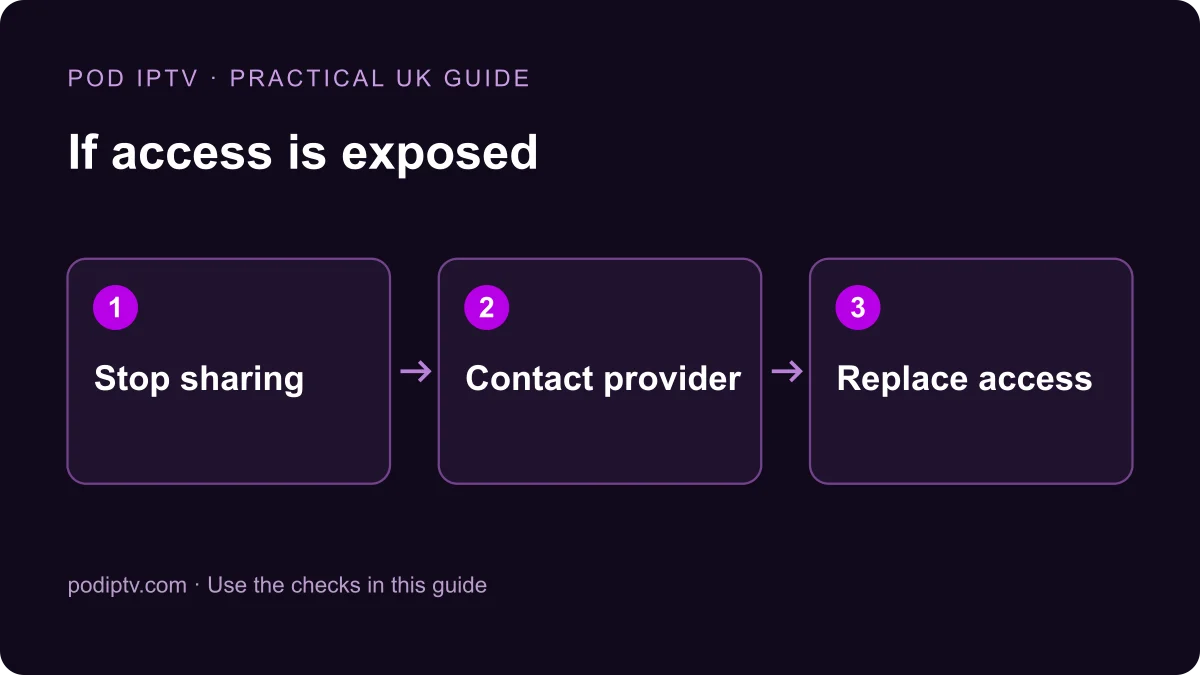
If you have posted a working login or complete playlist URL publicly, remove the public material where possible and contact the provider through the verified route. Ask about replacing the exposed access details and ending sessions where the service supports that action.
Deleting the screenshot alone is not proof the credentials are safe. Copies may exist. If you reused a password elsewhere, change it on those services too using their official security settings. Do not send the same exposed password back through a public thread while asking for help.
After replacement, update only your trusted devices and check normal playback one device at a time. Keep the new details out of shared notes. Record what happened privately so that support can investigate without repeatedly exposing the replacement information.
Check 9: separate security from connection limits
A too-many-connections message can arise from your own unfinished sessions as well as unexplained access. Close your known players and repeat a single-device test. Do not assume every limit message proves theft, but investigate repeated unexplained activity with support.
Review the current plan's simultaneous-screen allowance. A larger allowance does not make a publicly shared password safe. Likewise, replacing a password does not automatically expand the number of permitted streams.
When evaluating a new setup through a 24-hour trial request, apply the same privacy habits from the beginning. Trial credentials still grant access and should not be placed in public examples.
IPTV account security questions
Is a playlist link private information?
A complete link can contain credentials or an access token. Treat it as private unless the provider explicitly identifies it as a public non-sensitive resource.
Can a player PIN replace my service password?
No. The PIN usually controls a local app feature. The service password controls a different layer of access and may remain usable on another device.
Does POD IPTV automatically provide two-step login?
This guide does not claim that feature. Use two-step verification on services that offer it, particularly your email, and ask support about the account options actually available.
What if I shared my login in a screenshot?
Remove the public material where possible and contact verified support about replacement. Do not rely on deletion alone because copies may have been taken.
How do I recognise the correct support contact?
Start from the current POD IPTV website and its Contact Us page. Verify any requested change through that known route rather than trusting an unsolicited profile name or forwarded message.