IPTV Cost UK: 5 Useful Budget Checks Beyond the Plan
By POD IPTV · Updated 10 October 2026 · 10-minute read
IPTV cost in the UK includes more than the number on a subscription card. The full budget can include programme access, a player licence, equipment, accessories and any connection changes your home genuinely needs. This guide shows how to compare those costs fairly, distinguish upfront payments from monthly equivalents and avoid paying twice for the same requirement.
1. Separate IPTV cost into the parts you are buying
Start with programme access. This is the service term and simultaneous-stream allowance you choose. A player licence is different: it pays for software features or app activation, depending on the developer. Hardware is different again, covering the television, box or stick that runs the player.
Keep these items on separate budget lines. If an app opens without channels after activation, that does not necessarily mean the payment failed. You may have bought software without buying programme access. Ask what each charge covers before approving it.
An existing compatible television can reduce the hardware part of IPTV cost to zero. Check the exact model and player support first. The installation hub helps identify the correct platform. Do not buy a new box simply because a generic guide shows one.
A complete IPTV cost worksheet
Budget line
Question
How to record it
Service
What term and simultaneous allowance?
Full prepaid amount and expiry
Player
Does the app charge separately?
Licence amount and conditions
Hardware
Does existing equipment work?
Only necessary new purchases
Accessories
Are cables or adapters required?
Compatible items, not optional extras
Connection
Is an actual network change needed?
Additional household cost only
2. Compare full payments and monthly equivalents
A monthly equivalent divides a prepaid price by its duration. It is useful for comparing terms, but it is not necessarily the amount collected each month. If a twelve-month option costs £53.99 upfront, its rounded monthly equivalent is £4.50; the payment remains £53.99 under that prepaid arrangement.
The figures below reflect the one-device options shown by POD IPTV at the time of preparing this guide. Always check the live pricing page before ordering, because it is the current source for the offer and device choices. These are POD IPTV figures, not a claimed average for the UK market.
One-device prepaid comparison
Term
Full amount
Rounded monthly equivalent
1 month
£13.99
£13.99
6 months
£39.99
£6.67
12 months
£53.99
£4.50
24 months
£104.99
£4.37
Rounding can make a total reconstructed from monthly equivalents slightly different from the actual payment. Use the full amount for your budget and the equivalent only for comparison. Do not multiply £4.50 by twelve and present the result as the advertised annual price.
Longer terms can lower the monthly equivalent while increasing the amount committed before use. That is a trade-off, not an automatic recommendation. Consider whether the service has been tested on your actual device and whether your circumstances may change during the term.
3. Count simultaneous streams rather than installed apps
Installing a player on three screens does not necessarily mean you need three active connections. If only one person watches at a time, a smaller allowance may fit. If two televisions regularly play together, evaluate the option that permits that use.
Ask whether recordings or cast sessions consume additional connections. The answer depends on the player and service. An apparently idle television may leave a background session open, so use the player's stop control when testing a smaller allowance.
IPTV cost should follow the household's real overlap. Make a one-week note of how many screens are active together, including weekends and visitors if they are a regular part of use. Counting every device in the house can lead to buying capacity you rarely need.
For two- and three-device prices, check the current pricing selector rather than applying a guessed multiplier to the one-device amount. A multi-device plan can have its own price structure. Confirm the full amount, duration and permitted arrangement before ordering.
4. Include only necessary equipment and network changes
Test the existing setup before upgrading broadband or hardware. A wireless problem in one room may be addressed through placement or a suitable cable rather than a more expensive internet package. A channel unavailable at the source will not necessarily improve when you buy another box.
Accessories can be easy to overlook. A streaming stick may require an approved network adapter for wired use; a different position may require a longer HDMI or Ethernet cable. Check compatibility and the manufacturer's power instructions before adding an item to the budget.
Do not attribute your entire household broadband bill to IPTV cost if you would pay it anyway for work, browsing and other uses. For a fair comparison, identify the extra cost caused by the proposed television setup. If a new broadband plan is genuinely required, include the difference and any contract conditions.
The same principle applies to equipment. If the household already owns a compatible television, include no new television purchase. If you need a box specifically for this setup, include its full cost and explain the reason. A budget should reflect your circumstances, not a shopping list copied from another home.
5. Check the terms, renewal and support process
A low headline amount is only useful when the purchase conditions are understandable. Read the term, activation process, support route and relevant policy. Keep a record of the offer you chose and the order confirmation.
POD IPTV presents prepaid plans without automatic renewal. Check the current terms of service and refund policy before buying. A policy headline should not replace reading its conditions and request process.
Do not assume a future renewal will have the same IPTV cost as today's offer. Review the current price when the term ends. Set a personal reminder to assess whether the service still meets your needs rather than relying on a remembered monthly equivalent.
For UK viewing requirements, consult TV Licensing directly. Keep applicable licensing costs separate from a service subscription. Paying for one should not be treated as automatically satisfying the other.
A worked IPTV cost budget: existing television, one viewer
Imagine a viewer with a compatible smart television and a working broadband connection already used for other household activities. Their first budget includes the selected service term and any confirmed player licence. It does not include a new television, box or the full broadband bill merely because the guide discusses those items.
They test the player first, using the programmes and controls they need. If the app requires a separate licence after evaluation, that amount becomes another line. The viewer keeps the licence receipt separate from service access because the two payments have different support routes.
If a one-month service term meets their immediate need, they compare its full cost with a longer prepaid amount. They do not declare the longer term better simply because its monthly equivalent is lower. The decision includes how much they are comfortable committing before further experience.
After the first term, they review actual use. Did the required programmes remain useful? Did the app work comfortably? Did support provide the information needed? Those observations make the next IPTV cost decision more informed than the first.
A worked IPTV cost budget: two screens and a weak bedroom connection
A second household needs two simultaneous streams in the evening. Its budget therefore starts with a suitable connection allowance. The bedroom device struggles on Wi-Fi, but the living-room screen works. Before buying another subscription or faster broadband, the household compares placement and a wired path where practical.
If a suitable cable solves the local connection problem, its price belongs in the accessories line. If an approved adapter is necessary, include that too. If the evidence instead shows a device compatibility problem, investigate a supported player or hardware option.
The household should not assume that three devices installed means three active streams are required. A tablet used only when a television is off may not increase simultaneous demand. Its IPTV cost is based on the overlap it actually needs, subject to the service's use conditions.
This budget also retains the existing broadband cost only as context unless the setup requires a real increase. Separating established costs from new ones makes comparison with other television arrangements much clearer.
Compare a new arrangement with your current TV spending
List the programmes your current package provides and identify which you genuinely watch. Then list what the proposed arrangement supplies through authorised sources. A cheaper service that misses your priorities may not offer better value, and a large catalogue you never open may add little.
Check cancellation notices, bundled broadband changes and equipment return rules with the current provider. Removing a television component may affect another bundled charge. Do not claim an immediate saving until those conditions are understood.
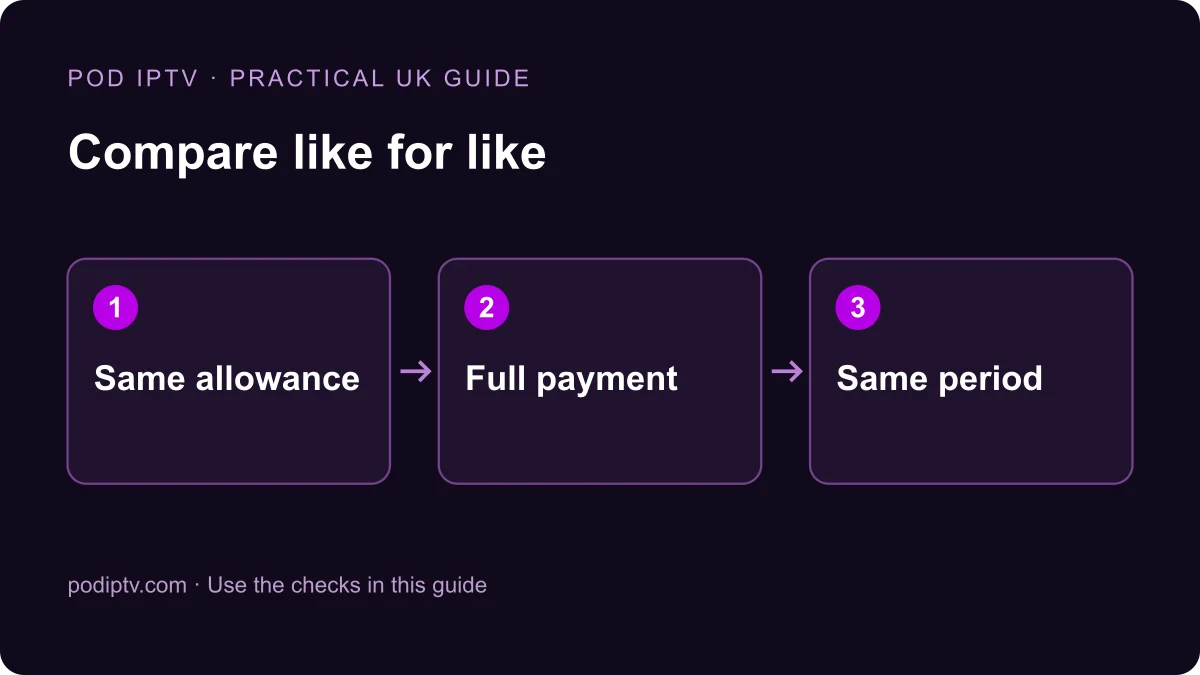
Use the same time period for both sides. Comparing one month of one service with a twelve-month equivalent from another obscures the commitment. Show full costs for the chosen period and explain assumptions clearly.
Also consider access you already have without another channel subscription. An existing Freeview arrangement or broadcaster app may cover part of your routine. IPTV cost should be evaluated against the household's complete viewing needs, not against a deliberately expensive comparison chosen to make every new offer look cheap.
Questions to ask before a payment
Keep the budget assumptions visible. Mark a player fee as unconfirmed if you have not checked it, and mark hardware as optional if the existing device works. Do not silently add an assumed charge or remove a necessary one to make IPTV cost look lower. A fair comparison can conclude that an existing arrangement is sufficient, that another plan fits better or that further testing is needed. The worksheet is useful because it makes those conclusions understandable rather than turning every calculation into a sales recommendation.
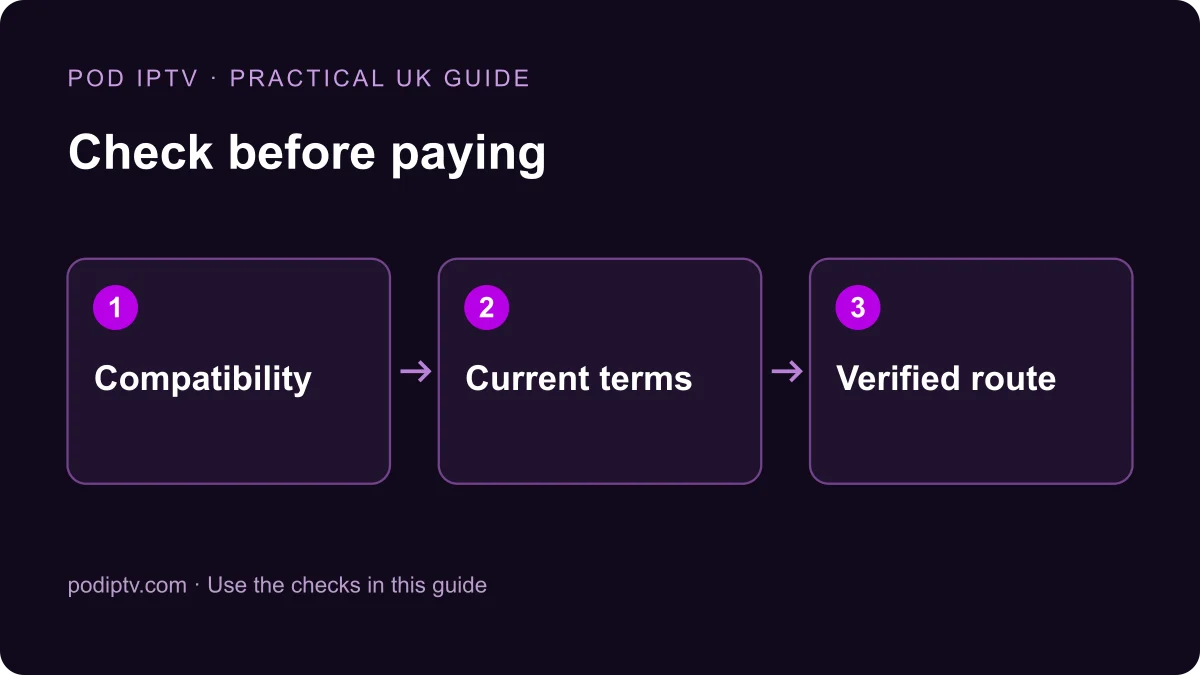
Ask what the quoted amount covers, when access starts, when the term ends and how many streams can run together. Establish whether the player costs extra and whether the intended device is supported. These are concrete purchase questions, not requests for vague reassurance that everything is premium.
Confirm the recognised payment and contact routes through the actual website. If an unsolicited message gives a different destination, verify it independently before acting. Urgency, discounts and familiar branding do not establish that a payment request is genuine.
Keep account details out of public price comparisons. A receipt or setup screenshot may contain information that provides access. Mask that information before asking for help, and use the verified POD IPTV contact route for account questions.
If you want to assess fit first, review the 24-hour trial request. Confirm activation with support and test during normal viewing. The purpose is to understand suitability before choosing a term; it is not evidence that every future condition will be identical.
IPTV cost questions
What makes IPTV cost different between homes?
The chosen term, simultaneous allowance, app fees and necessary equipment vary. Existing compatible devices can reduce new costs substantially.
Is a monthly equivalent a monthly payment?
No. It divides a prepaid amount by the term for comparison. Check the full payment and actual billing arrangement.
Should broadband be included in IPTV cost?
Include any extra cost genuinely caused by the setup. Do not count an existing shared household bill twice, but keep it as context when comparing overall budgets.
Does the lowest IPTV cost mean the best value?
Not necessarily. Check required programmes, supported devices, usability and understandable conditions. Price alone does not establish suitability or content rights.
Where should I check current IPTV cost for POD IPTV?
Use the live pricing page and its device selector before ordering. This guide's calculations explain comparison rather than replacing the current offer.