IPTV Travel: 7 Essential Checks for Better Planning
By POD IPTV · Updated 10 October 2026 · 8-minute read
IPTV travel planning means checking more than whether your tablet fits in a bag. Service availability, local rules, your player's supported devices and the internet connection at your destination can all affect viewing. This guide helps UK users prepare a sensible travel setup without assuming that home access works everywhere or that a mobile hotspot has the same allowance as home broadband.
A working setup at home proves that those particular conditions work. It does not establish access in another country, on a hotel network or through a different app. Make a short list of the destination, devices, connection and programmes you intend to use.
Separate what you know from what still needs confirmation. You may know your tablet supports the player but not whether the service permits access in the destination. You may know the hotel offers Wi-Fi but not whether streaming devices can join it. Those questions are easier to ask before the trip.
POD IPTV account access, a third-party player's features and a travel network are separate parts of the arrangement. This guide makes no promise that every account or programme is available abroad. Ask about your particular situation through the verified support route.
Check 1: confirm destination availability and rules
Review the service's current terms and ask whether your account can be used in the destination. Content availability and permitted use can vary. Do not assume a portable device makes every viewing use authorised.
Read POD IPTV's Terms of Service and identify the country and intended arrangement when asking support. A broad compatibility statement about phones is not a separate promise of unrestricted international access.
Follow applicable local rules and content restrictions. Do not use a VPN, altered location setting or another workaround to bypass restrictions. If access is not supported, choose a permitted local option rather than planning a trip around an unverified route.
Check 2: test the device you will actually take
Install a trusted supported player before leaving and check its operating-system compatibility. Sign in privately, let the catalogue load and test a programme on that device. This separates basic setup questions from the new network conditions you will encounter later.
Try ordinary controls, text entry, captions and sound using the accessories you intend to bring. A touchscreen app that works well on a phone may not be comfortable on an unfamiliar television controlled by a travel remote.
Use the device installation guides for the supported account format. Keep necessary login details in a private secure location rather than a screenshot shared with a travel group.
Check 3: plan the internet route for IPTV travel
Identify whether you will use a hotel network, local broadband or your mobile connection. Each has different practical limits. Shared Wi-Fi may require a browser login or prevent devices from discovering one another, while a mobile plan can have tethering and roaming rules.
Ask accommodation staff whether personal streaming devices are permitted and how they connect. A network that works on a phone's browser does not necessarily support a television stick without a browser. Do not alter the hotel's network equipment.
Where a mobile hotspot is permitted and suitable, check the actual signal, available data and the phone's power arrangement. A hotspot consumes the mobile connection's allowance even when the television shows a Wi-Fi symbol.
Check 4: review roaming costs before IPTV travel
Ofcom's mobile-abroad guidance recommends checking your package before departure because roaming can add charges. Review your operator's current destination rules, allowance and spending controls rather than relying on a friend's different plan.
A domestic allowance described as unlimited may have different roaming conditions. Tethering can also be governed separately. Check the operator's actual terms and usage counter before a long viewing session.
Be particularly careful on ferries or cruises, where the connection can involve a different charging arrangement from an ordinary land network. Do not start streaming merely because the phone has signal. Confirm the network and applicable costs first.
For a small allowance, measure a short representative session and stop before extending the test. Leave room for maps, messages and other essential internet use. A travel-viewing budget should not consume the data you need for the rest of the trip.
Check 5: account for screens left running at home
An account's simultaneous-stream allowance still matters while you travel. A television left playing at home and a tablet abroad can be two active sessions, depending on the service rules. Closing an app view does not always establish that its playback has stopped.
Check known home devices before testing the travel screen. If other household members need access, compare the current device-plan options and ask support about the permitted arrangement.
A longer subscription is not automatically a larger stream allowance. Duration, device access and destination availability are separate decisions. Confirm each rather than assuming a single purchase resolves every travel question.
Check 6: protect accounts on borrowed screens
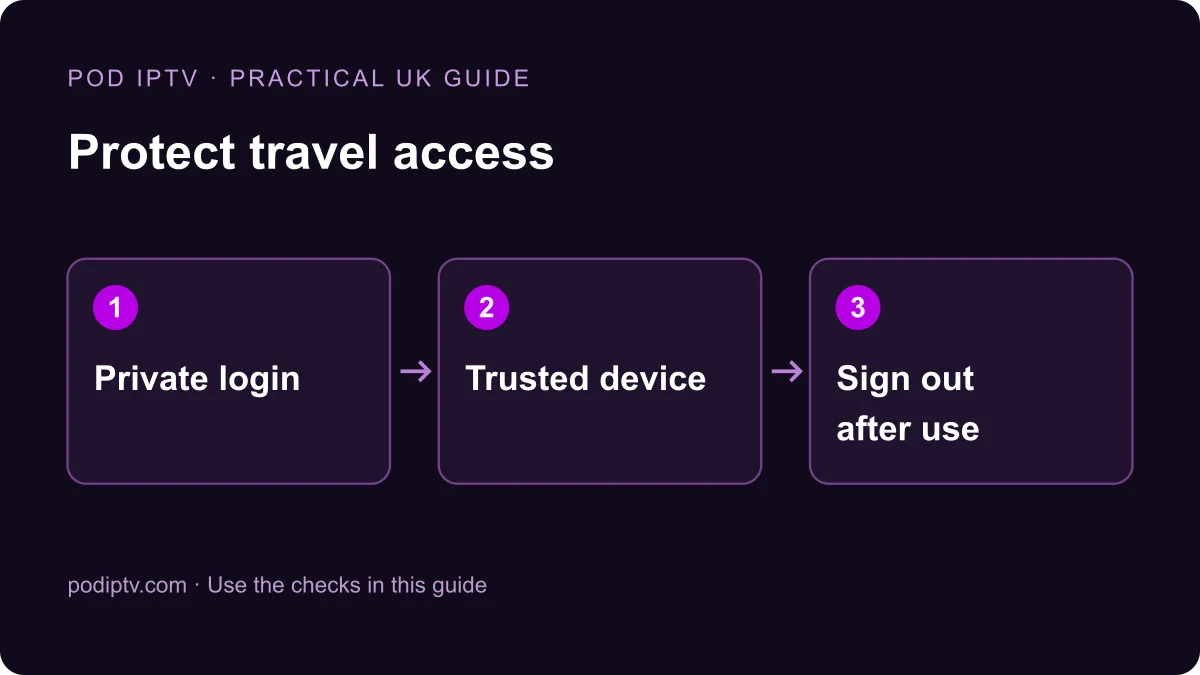
Prefer a device you control. Entering credentials into a hotel's television or somebody else's player can leave them stored after checkout. Before using a shared device, understand how its app logs out and removes saved access information.
If you cannot verify that removal is possible, avoid saving your account there. Do not send the full login to accommodation staff or a stranger who offers to configure the television. A trusted support conversation should not be replaced by a public lobby request containing a password.
Keep your email account protected too, because it may hold the original access details. Lock your phone or tablet when unattended and use its supported account-security settings. A lost device can expose more than the television app.
Check 7: prepare a practical IPTV travel fallback
Travel networks and content availability can differ from expectations even after careful planning. Keep another permitted viewing option available if a programme is important. Do not treat a support inquiry as a guarantee that access will work at a particular hotel.
Offline viewing is only an option where a service and app explicitly authorise and support downloading. Do not assume an IPTV playlist can be downloaded for later or that local recording gives unrestricted travel copies.
If you bring an external device, check suitable power, cables and the accommodation's permission to use the television input. A hotel may restrict inputs or provide a fixed system. Ask staff rather than disconnecting its equipment or changing protected settings.
Use an IPTV travel checklist
Travel checks before relying on viewing access
Area
Question
Where to confirm
Account
Is the destination and arrangement permitted?
Current service terms and verified support
Device
Does this exact player work on it?
A home test and developer information
Network
Can the device join and use the connection?
Accommodation or network operator
Mobile cost
What data and roaming limits apply?
Your operator’s current package
Privacy
Can saved credentials be removed?
The device and app’s supported controls
Fallback
What will you use if access is unavailable?
An authorised alternative prepared beforehand
This checklist records decisions rather than promising a universal travel configuration. Mark an unresolved question as unresolved. It is better to discover that a feature is unsupported before leaving than after a prepaid purchase made for the trip.
Troubleshoot IPTV travel playback at your destination
Check ordinary internet access and whether the network requires another login. Then identify the failed stage: app opening, account sign-in, catalogue loading or playback. Compare another programme without opening extra streams unnecessarily.
Send the device, player, destination, connection type and visible error through POD IPTV support. Include whether the same setup worked before departure. Keep credentials, complete playlist links and private accommodation details out of public troubleshooting posts.
Do not repeatedly replace your home settings or factory-reset a working device because a new network behaves differently. First establish whether the intended IPTV travel arrangement is supported at all.
Evaluate a setup before choosing a plan
A 24-hour trial request can help evaluate your device under the conditions available during the trial. It cannot prove how a future hotel network or different destination will behave. Ask specifically about those conditions before relying on them.
IPTV travel questions
Can I assume my UK account works in every country?
No. Confirm destination availability, permitted use and applicable rules with the service. Device portability is a different question from account availability.
Does hotel Wi-Fi guarantee a streaming stick will connect?
No. Browser login portals, device limits and local-network isolation can affect the arrangement. Ask the hotel about supported personal devices.
Is a hotspot using my home broadband allowance?
A phone hotspot usually uses that phone's mobile connection and its applicable allowance. Check roaming and tethering terms for the destination.
Should I save my account on a borrowed television?
Only use a trusted supported arrangement where you understand how stored access details are removed. Prefer a device you control.
Does a trial guarantee IPTV travel access later?
No. It tests the conditions present during that trial. Future networks, destinations and content conditions need their own confirmation.